End of Summer · $249 $199
Free UPS shipping + taxes/import fees included

Built for SeaSucker Talon 1-Bike racks

How Kraken Rack Monitor works

Kraken Rack Monitor watches your vacuum mounts while you drive and alerts you in real time if one starts losing vacuum.

Only 10 left · Free UPS shipping · Taxes/import fees included · 30-day returns

The Basic Idea

It watches the vacuum indicators for you
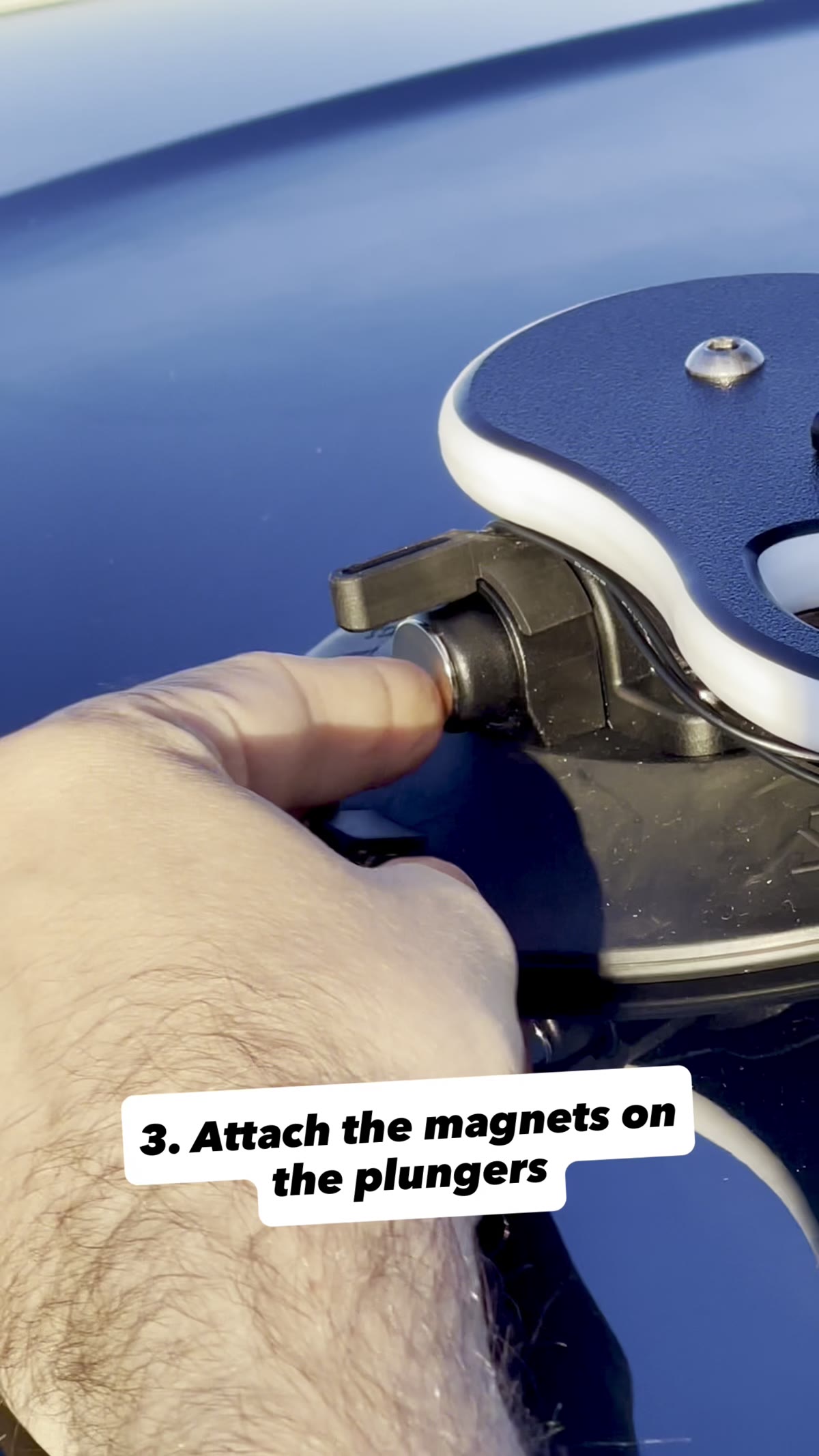
Kraken uses small sensors and magnets attached to the SeaSucker Talon mounts. If a vacuum plunger starts moving past the alert threshold, Kraken detects the change and sends an alert to the app.

A magnet being placed on the vacuum plunger indicator of a SeaSucker mount
Magnet on vacuum plunger
  1. 01

    Sensors track mount status

    Sensors are positioned near the vacuum mount indicators using pre-applied 3M adhesive.

  2. 02

    Kraken connects to your phone

    Switch on the device, open the app, and it connects automatically via Bluetooth.

  3. 03

    Get alerted if status changes

    If one mount starts losing vacuum, the app alerts you so you can stop and check the rack.

Installation

Install once. Use the rack normally.
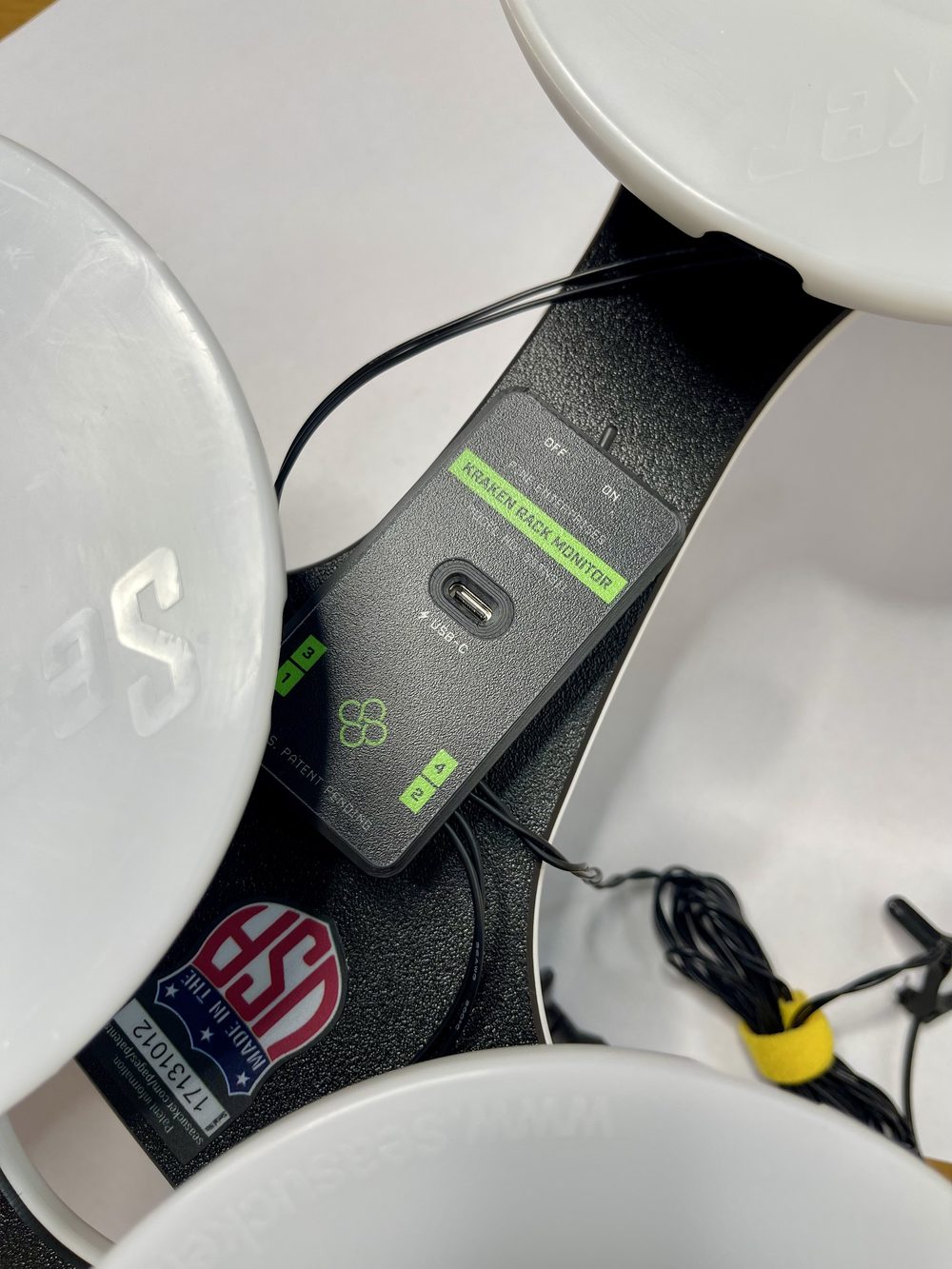
Kraken stays on the rack, so you can take it on and off the car as you always have. Only the rear sensor detaches with its elastic strap when you remove the rack.

  1. The Kraken device mounted under the SeaSucker Talon rack between the vacuum mountsStep 01

    Attach the Kraken device

    Mount the device under the rack using pre-applied 3M adhesive. No drilling, tools, or permanent rack modifications.

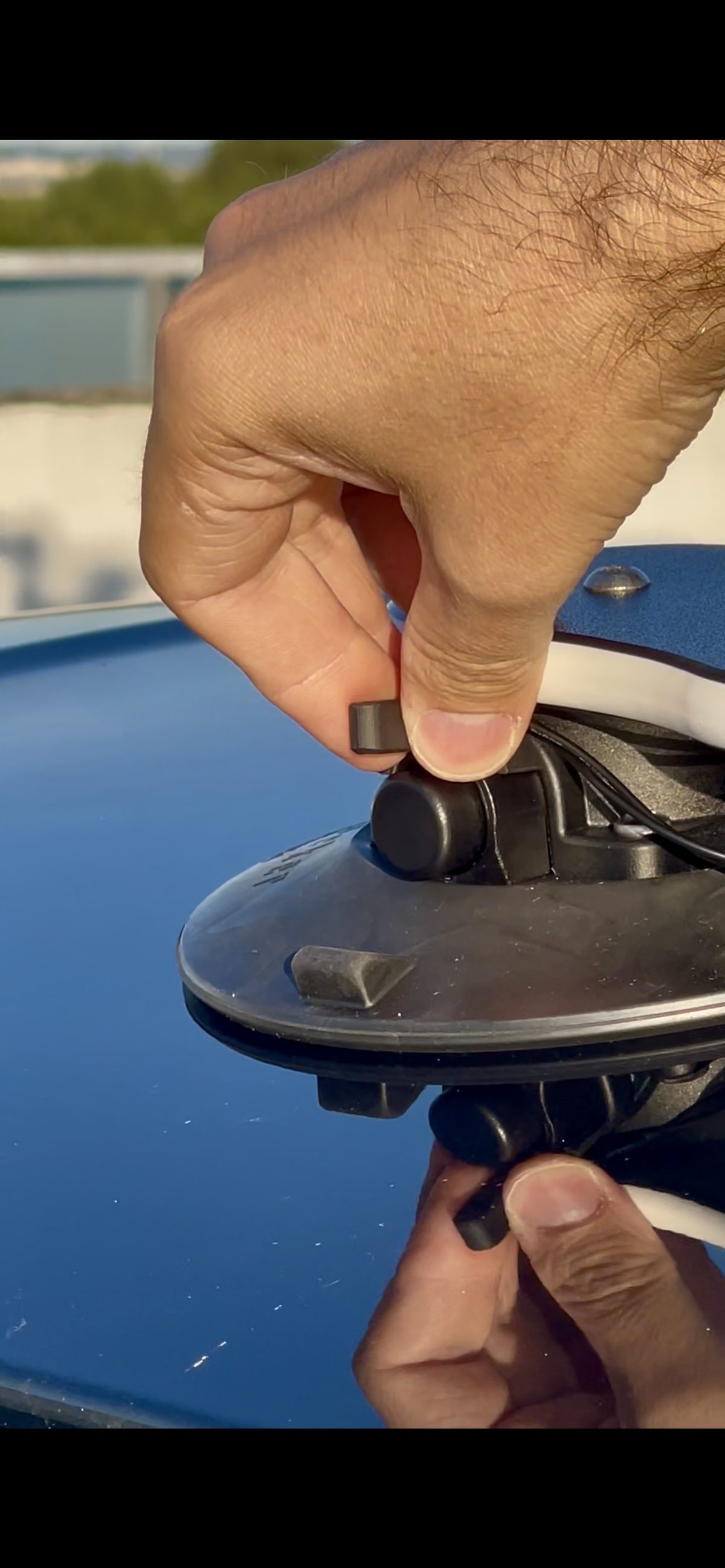
  2. Fingers attaching a Kraken sensor next to the vacuum indicator on a SeaSucker mountStep 02

    Attach the front sensors and magnets

    Attach the sensors and magnets near the vacuum indicators so Kraken can detect indicator movement.

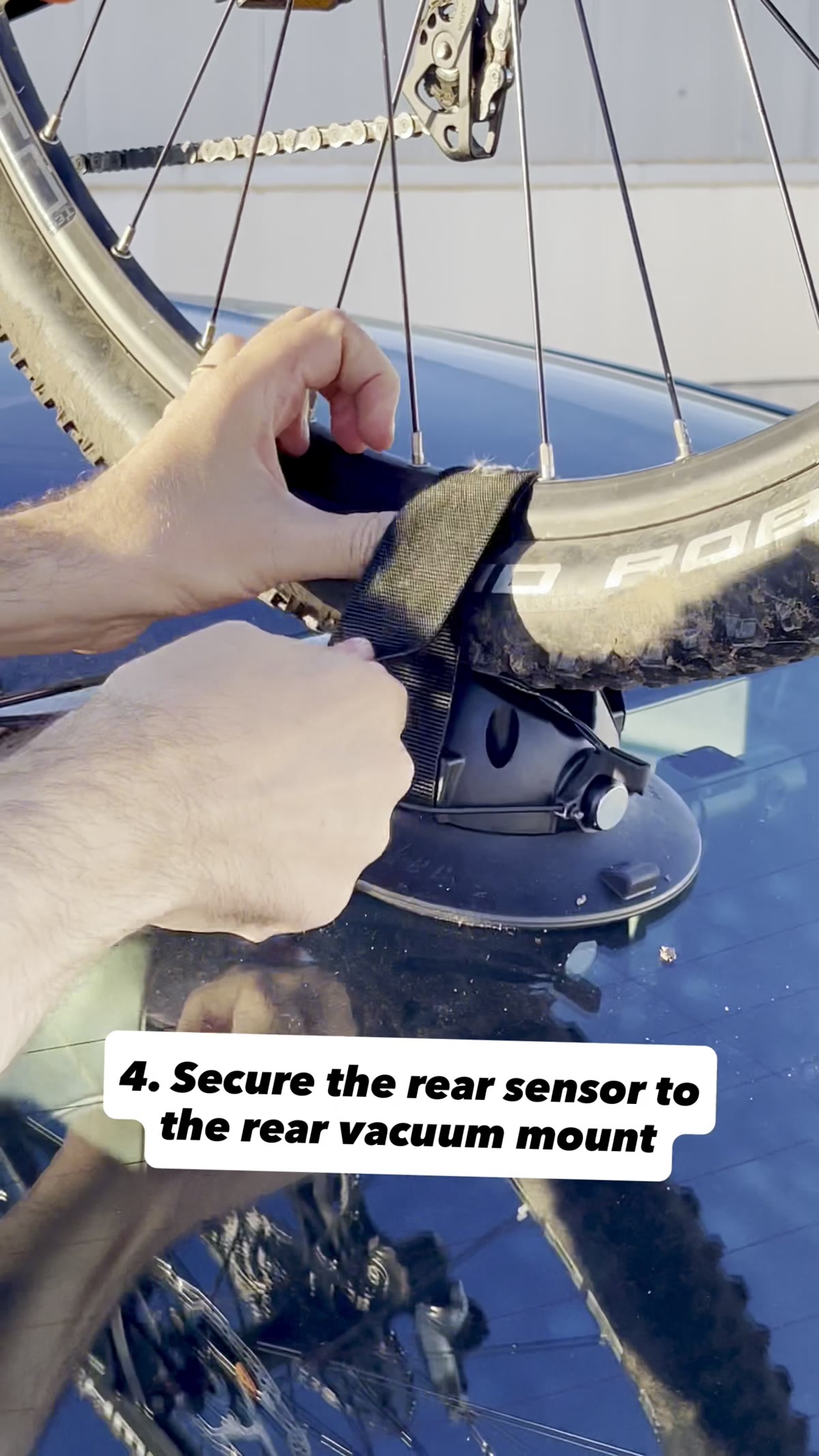
  3. A hand securing the rear sensor to the rear vacuum mount with an elastic strapStep 03

    Attach the rear sensor

    Use the elastic strap for the rear wheel mount sensor. It can easily be removed when taking the rack off the car.

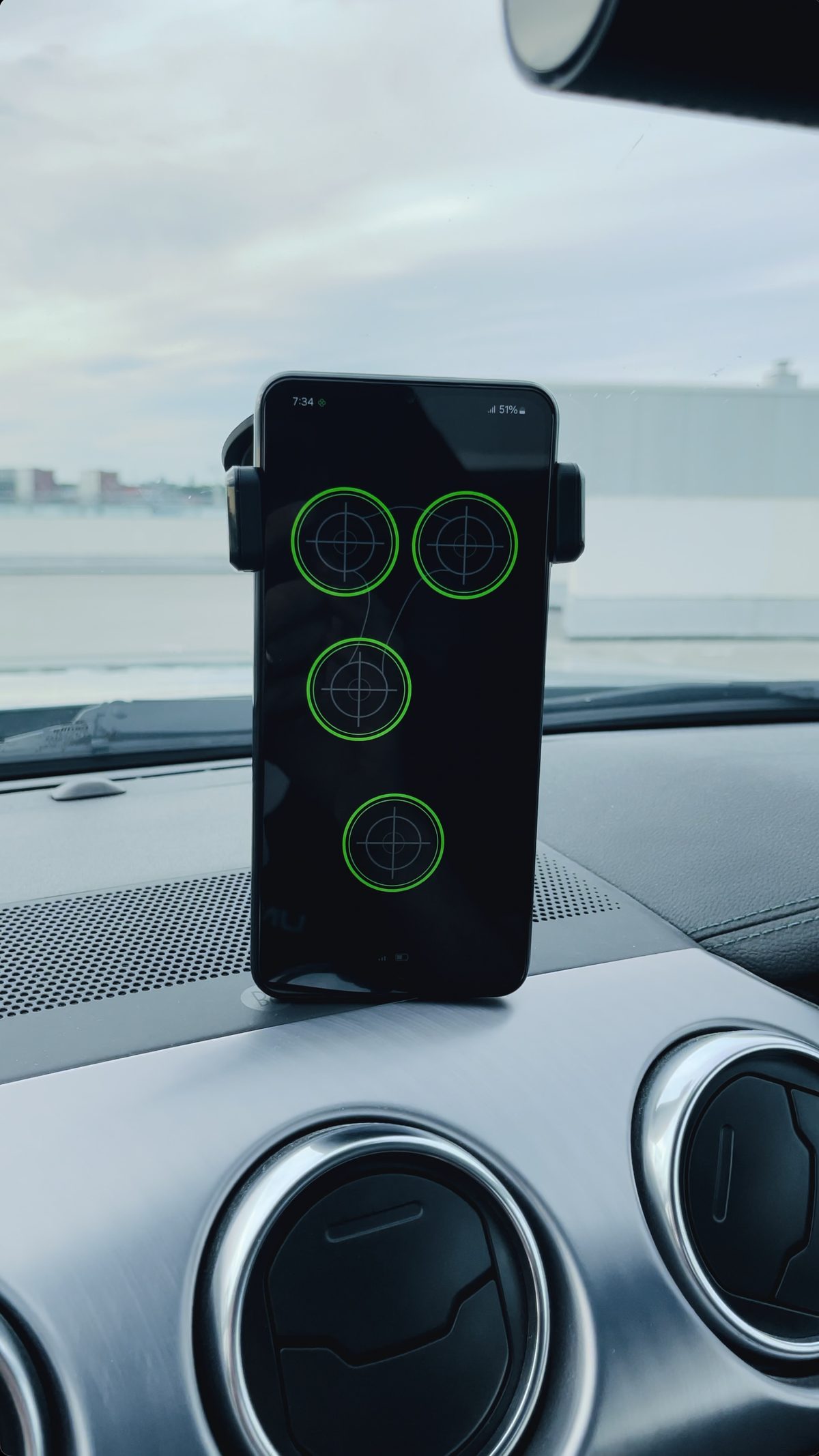
  4. Phone on a car dashboard showing the Kraken app with every mount secureStep 04

    Connect with the app

    Open the Kraken Rack Monitor app, switch on the device, and check that you see each mount's status.

The App

See each mount's status at a glance

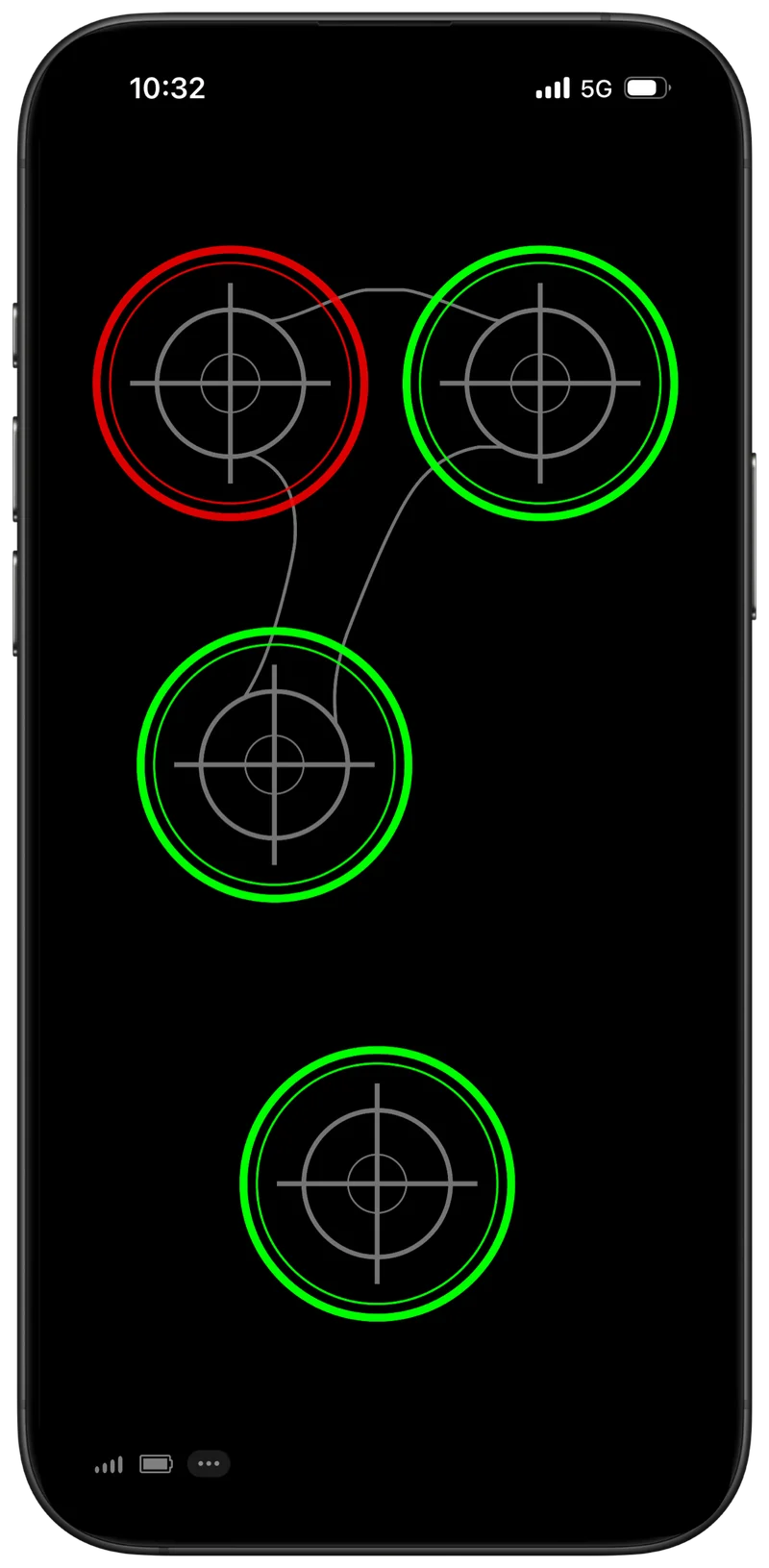
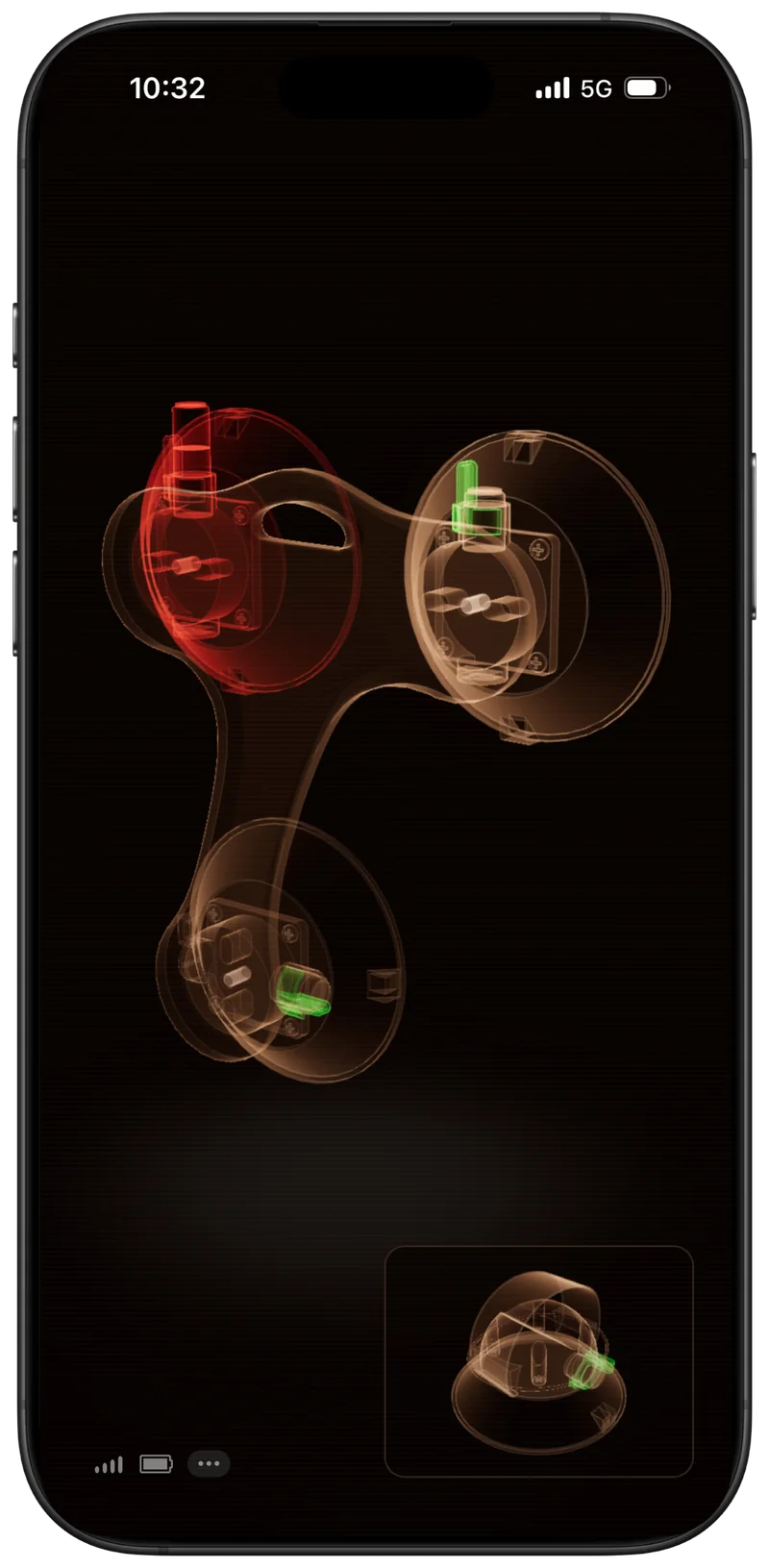
The app shows the status of each monitored vacuum mount. Green means normal. Red means attention is needed. If a mount changes status while driving, the app will alert you.

  • Works with iPhone, iPad, and Android
  • Runs while you use navigation or music
  • Alerts if a mount drops below the alert threshold
Download on the App StoreGet it on Google Play
Kraken app Standard view: four vacuum mount indicators, one showing an alert
Standard viewDefault
Kraken app Tactical view: a 3D representation of the rack with one mount highlighted
Tactical viewOptional 3D
Owner Review

The install went smooth and easy, in less than 10 minutes I was able to add peace of mind to the SeaSucker system

@obs_gingerChristian
Watch Chris' demo
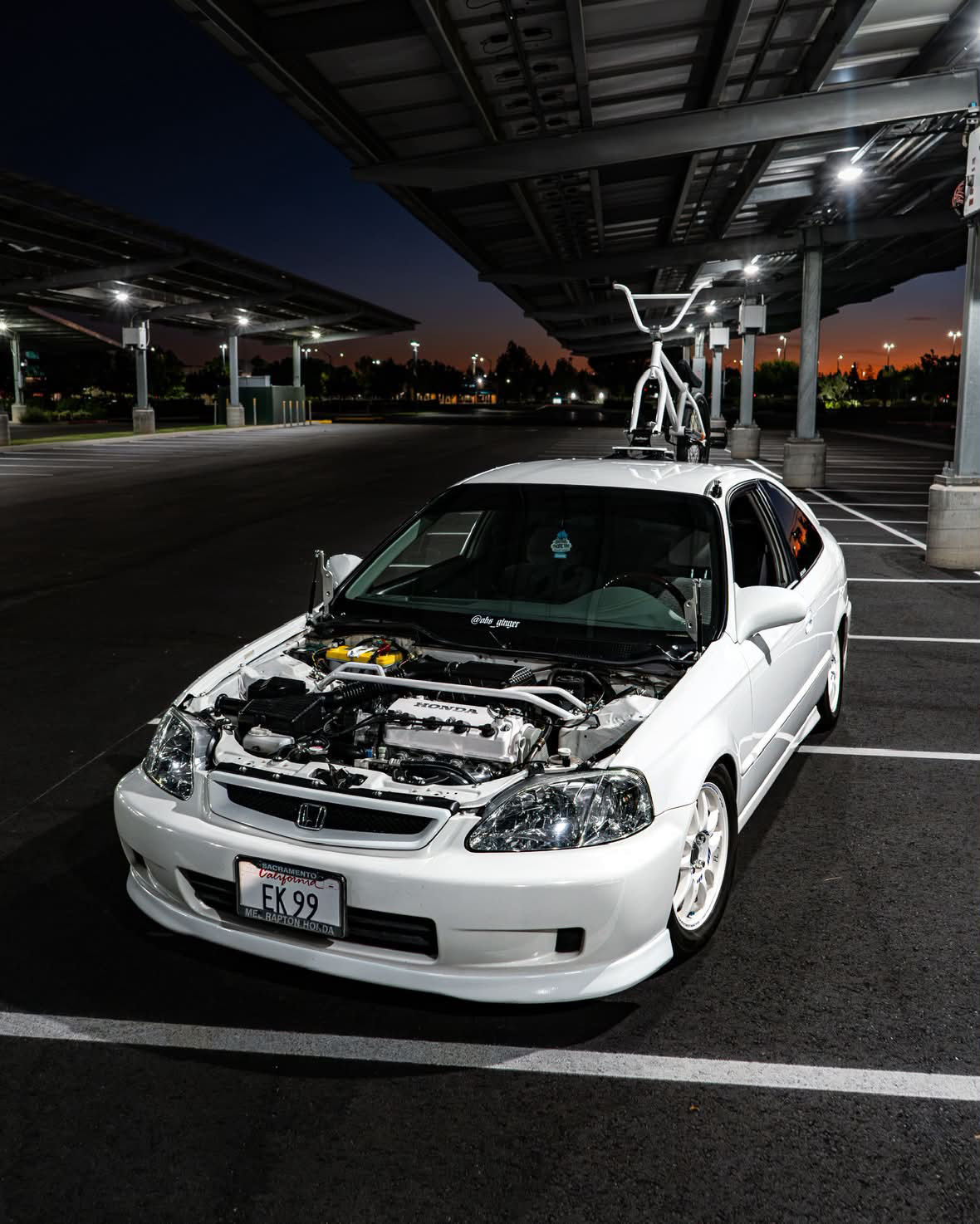
Christian's white Honda Civic at night with a BMX bike on a SeaSucker rack
Owner setup — @obs_ginger
FAQ

Frequently asked questions

Still have a question? Get in touch and I'll answer personally.

How does Kraken Rack Monitor work?

Kraken Rack Monitor uses sensors and magnets attached to the vacuum mounts on your rack. A small amount of plunger movement is normal, but if one moves past the alert threshold, Kraken detects it and sends an alert to the app.

How does it connect to my phone?

Kraken Rack Monitor connects to your phone via Bluetooth. Open the Kraken Rack Monitor app, switch on the device, and it connects automatically.

Do I need internet or mobile data for it to work?

No. Kraken Rack Monitor uses Bluetooth to communicate with your phone, so it does not require internet, mobile data, or Wi-Fi while monitoring your rack.

Can I use other apps while the rack monitor is running?

Yes. The app can run in the background while you use navigation, music, or other apps. You'll receive alerts if a mount drops below the alert threshold.

For the most reliable monitoring experience, it's recommended to keep the Kraken Rack Monitor app active whenever possible, since background behavior can be affected by your phone's operating system and power-saving settings.

What happens if a mount starts losing vacuum?

The app alerts you so you can stop and check the rack. Kraken Rack Monitor is a monitoring aid, not a replacement for proper rack installation, inspection, or maintenance.

Which racks are supported?

Kraken Rack Monitor is designed for vacuum-mounted racks. The current version supports the SeaSucker Talon 1-Bike Rack only.

Support for additional vacuum rack models may be added in the future. If you'd like support for another rack, you can request it without any obligation.

How is it installed?

The Kraken device, sensors, and magnets are attached to the rack using pre-applied 3M adhesive. The rear sensor is attached with an elastic strap so it can be removed when taking the rack off the car.

No drilling, tools, or permanent rack modifications are required.

How long does the battery last?

The built-in battery lasts up to 25 hours of continuous use on a single charge. It recharges fully in up to 3 hours via USB-C. Charging cable not included.

Does it work with iPhone and Android?

Yes. The Kraken Rack Monitor app is available for iPhone, iPad, and Android.

Ready to add more confidence to your next trip?

Easy to install. Built for the SeaSucker Talon 1-Bike rack. Drive knowing every mount is holding.

View Product – $199

Only 10 left · 30-day returns · 1-year warranty

Need installation details? Read the full manual.